Eurofins OnLine - EOL
Eurofins OnLine - EOL
Eurofins OnLine (EOL)
Order laboratory analyses, track your samples and access results—all in one place.
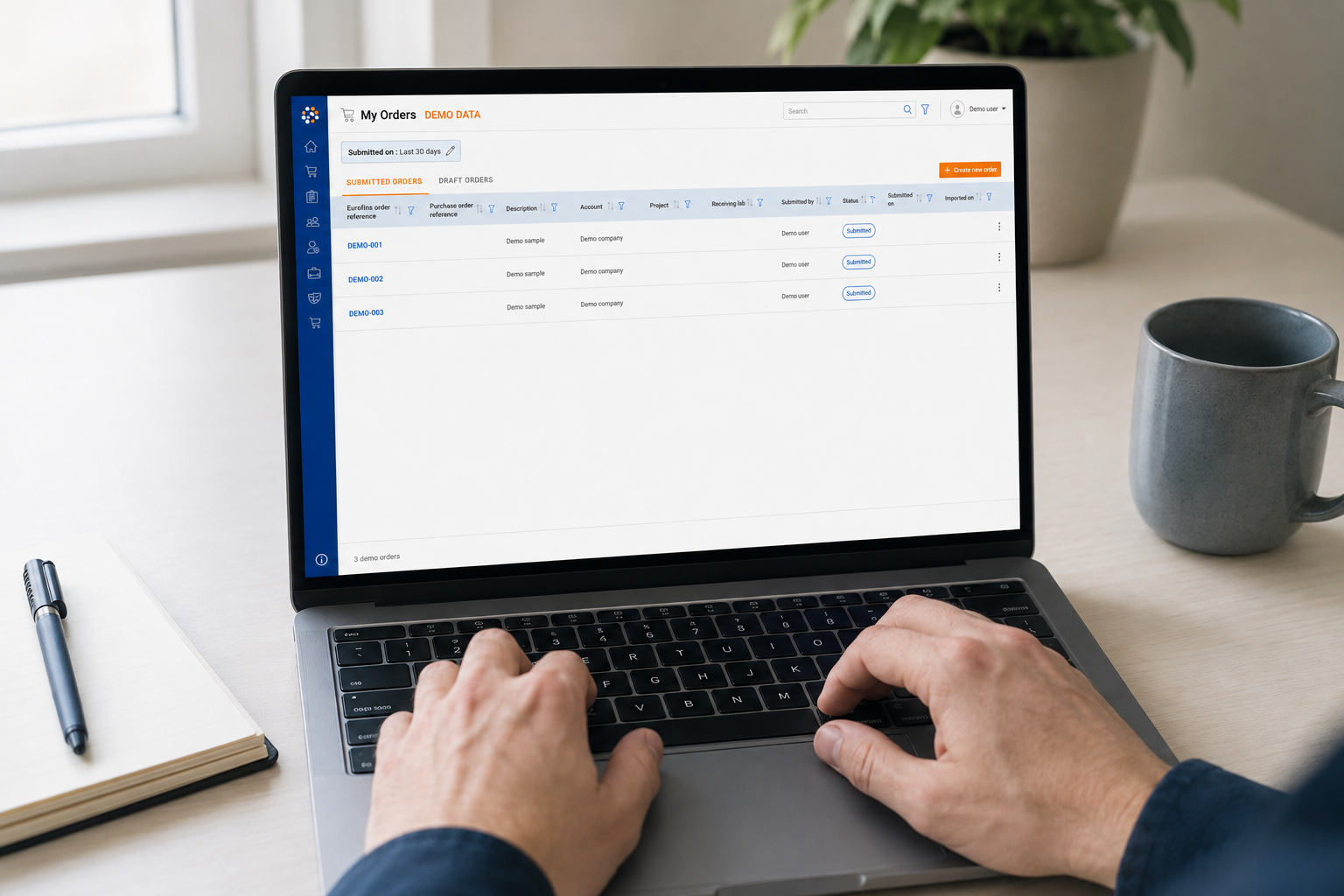
Eurofins OnLine (EOL) is our digital customer portal for environmental testing. It gives you a clear overview of your orders and samples - from registration through to the final analysis report.
Use EOL on your computer or mobile device to place orders, follow analysis progress, review results and download reports.
Why use Eurofins OnLine?
-
Faster, more consistent ordering: Required fields help reduce missing information and the need for follow-up questions.
-
Enter information only once: The information you provide is carried through the process and included in the analysis report where applicable.
-
A clear overview of your work: Organise related orders into projects and quickly check sample and analysis status.
-
Flexible ordering options: Copy previous orders, create follow-up orders and use templates for recurring workflows.
-
Results when and where you need them: Review interim and final results, compare samples and download analysis reports as PDF files.
-
Flexible data export: Filter and sort results, create customised result views and export selected data in Excel or CSV format.
-
Mobile access for fieldwork: Place orders and review available results using the Eurofins OnLine mobile app.
Ordering tailored to your projects
EOL allows you to create orders using information already registered with Eurofins. This makes the ordering process faster and helps reduce the risk of errors or missing details.
Orders can be organised into projects, making it easier to manage related samples and assignments. You can also copy previous orders and create follow-up orders when additional sampling or analysis is required.
Create result views that fit your workflow
Choose from predefined result views or create your own. You can decide which information to display, apply filters and arrange parameters in an order that suits your workflow.
Depending on your access rights and the status of the analysis, the overview may include both interim and final results. You can:
-
Check analysis status
-
Compare samples
-
Export selected data to Excel or CSV
-
Download completed analysis reports as PDF files
The Eurofins OnLine mobile app provides convenient access to your orders and available results when you are away from your desk. This is particularly useful when registering samples or reviewing information while working in the field.
Stay informed
EOL is continuously developed based on customer needs and feedback. Information about new features and other relevant Eurofins updates is published in the portal’s dedicated news feed.
How to get started
-
Request access: Contact us at umhverfi@etn.eurofins.com to request a user account.
-
Log in: Once your access has been activated, log in to Eurofins OnLine.
-
Use EOL on mobile: Download the Eurofins OnLine mobile app to access orders and available results while working in the field.